
Advertisement
Click to download now, finish the installation quickly, and directly unlock the all-round experience
Advertisement
Screenshots


Click to download now, finish the installation quickly, and directly unlock the all-round experience
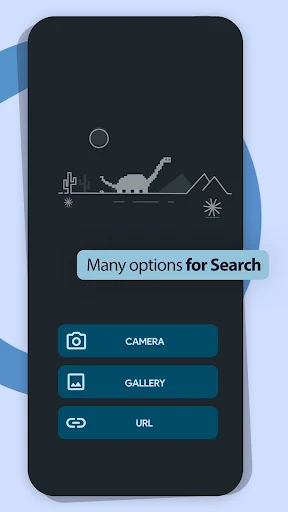
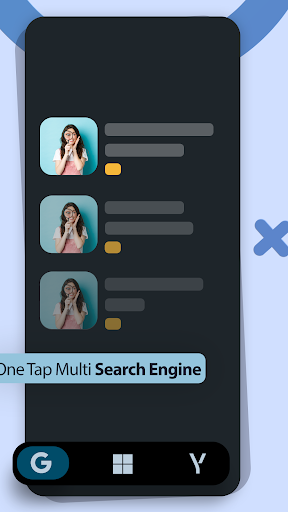
Reverse Image Search - Multi is a tool for looking up an image through reverse image search. Choose a picture from your gallery or take one with the camera, then use it as the starting point for a search. That makes it a fit for people who already have a photo, screenshot or meme and want to look for similar images or related information, rather than describe what they want in words.
The basic routine is direct: select or capture an image and search. The app also includes an image editor for making changes before searching, plus a SafeSearch filter setting. Those options are useful when the picture needs adjustment or you want to control filtering, but the listing does not explain how extensive the editing tools are or what the filter changes.
Possible tasks include checking where a picture may have appeared, finding similar product images, or exploring information connected to a photograph. Treat it as a way to search from visual material, not as a guarantee that an image’s original source, location or context will be confirmed.
You can share images from the app through options such as messaging, email or social services. It can also save and share screenshots. These are supporting tools around the search; the main reason to open the app is still to submit a picture and see what related results turn up.
This is most relevant if you often encounter images you want to investigate or compare. It is less useful when you only have a general question and no image to search with. THINK FREE publishes the app in the Tools category. Its rating is about 4.2 out of 5 from 21,540 ratings, and it has more than 1,000,000 installs. Those figures indicate a sizable audience, but they do not tell you whether a particular search will find the match you need.