What it does
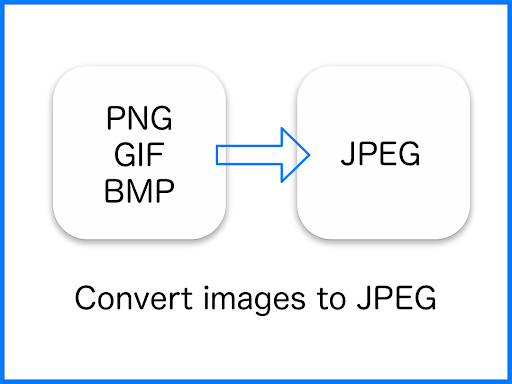
JPEG Converter-PNG/GIF to JPEG turns image files into JPEGs. The listed input formats include PNG, GIF and BMP, along with other image types. It suits someone who needs a JPEG copy for a particular destination or wants images in a common format, rather than someone looking for a general photo-editing app.
One detail about transparency
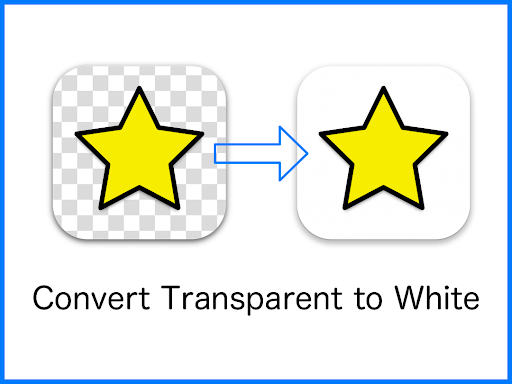
JPEG does not support transparent areas. When this app converts an image with transparency, it fills those areas with white. If you need to keep a transparent background, converting that image to JPEG will not do that; check the result before using it in a design or document where the background matters.
Where the files go
Converted images are saved in the Pictures/JPEG folder. That gives you a known place to look for the output, though it also means you may need to move or share the file from there if another app expects it elsewhere. The supplied details describe format conversion and the save location, not editing tools or controls for changing the result.
At a glance
The app is published by handyCloset Inc. in Photography. Its listing shows a 4.49 rating from 20,577 ratings and 5,000,000+ installs. Those figures suggest it has reached a substantial audience, but they do not say whether its conversion behavior or file handling will suit your particular workflow. The practical question is simple: do you need a JPEG, and is a white background acceptable wherever the source image was transparent?