Change the system text size
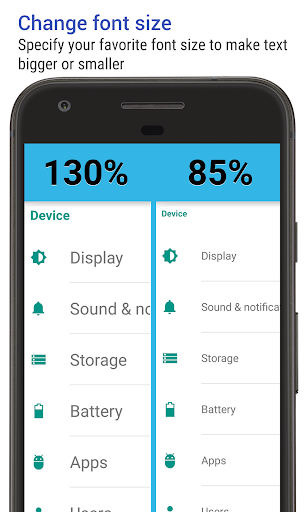
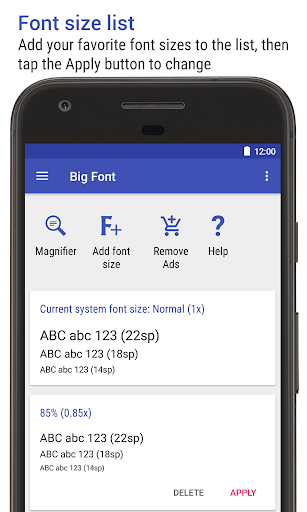
Big Font adjusts Android’s system text-size setting, letting you make text smaller or larger rather than changing the font in just one app. It suits people who find menus and other system text hard to read, or who want more room on screen. Apps may handle Android’s text-size setting differently, so the result is not guaranteed to look identical everywhere.
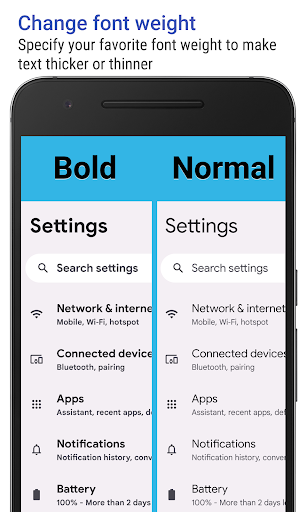
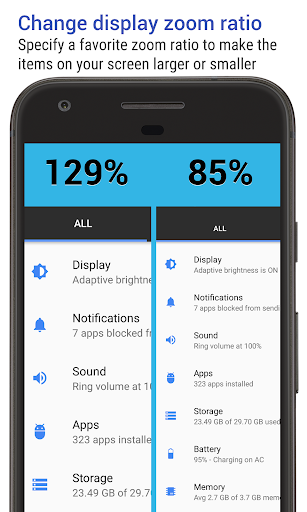
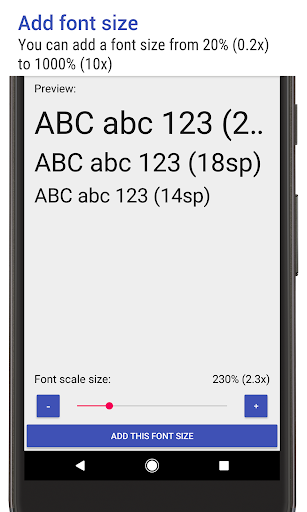
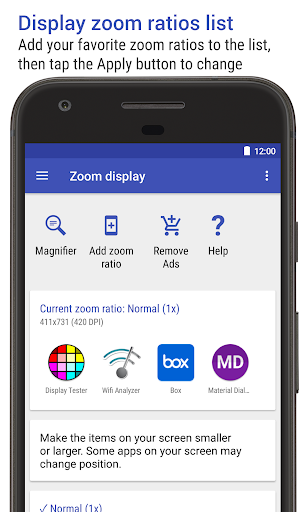
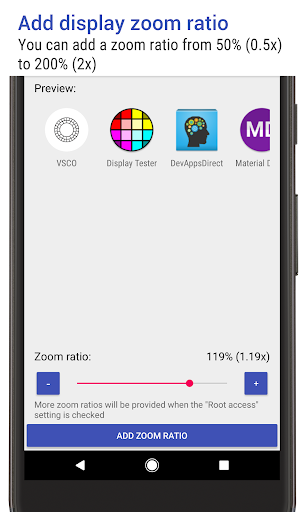
You can preview a scale before applying it and choose a custom value. The listed range is 25% to 500%, though scaling above 250% is among the features reserved for the Pro version. On Android 7.0 and later, the app also offers a display-zoom adjustment; on Android 12 and later, it can change system font weight.
Extra tools and permissions
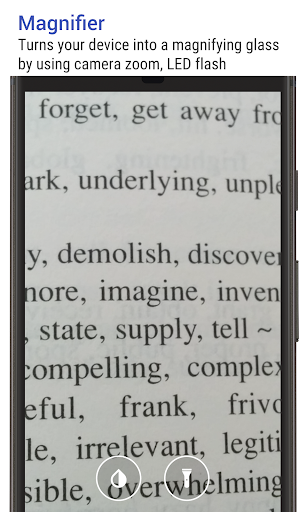
A camera magnifier is included as a separate use for the app. It uses camera zoom and autofocus, with the LED flash available for lighting. That feature means the app requests camera access; changing text settings requires permission to write system settings.
Big Font can also show a notification with the current size and let you switch sizes from there. The notification can be hidden. These shortcuts may be useful if you often move between larger text for reading and a smaller setting for fitting more on screen.
What to expect
This is a focused settings tool, not a general accessibility suite. Its main job is to adjust text size, with zoom, font weight and the camera magnifier as supporting options. Some controls depend on Android version, and some scaling options are limited to the Pro version.
Track record
AZSoft Technology Inc. is the developer. Big Font has a 4.24 rating from 21,815 ratings and more than 5 million installs. Those figures suggest a widely used utility, but they do not tell you whether its controls will work the same way on your particular Android device.