Epson iProjection
Seiko Epson Corporation
Downloads
5,000,000+
Source
Google Play
Advertisement
Click to download now, finish the installation quickly, and directly unlock the all-round experience
Advertisement
Screenshots
Click to download now, finish the installation quickly, and directly unlock the all-round experience
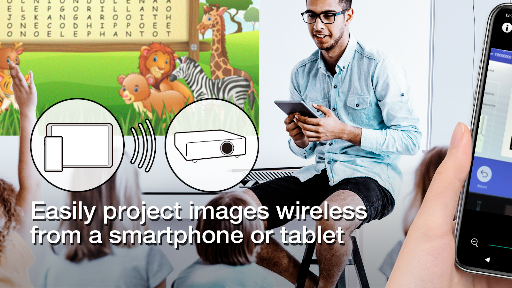
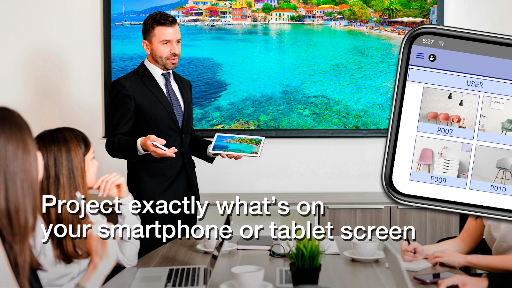
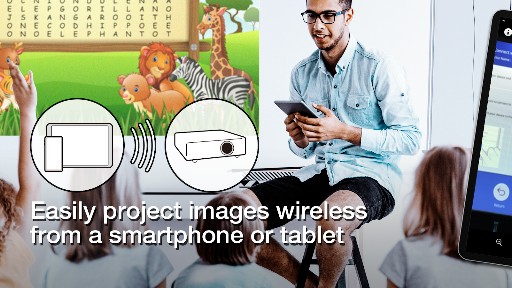
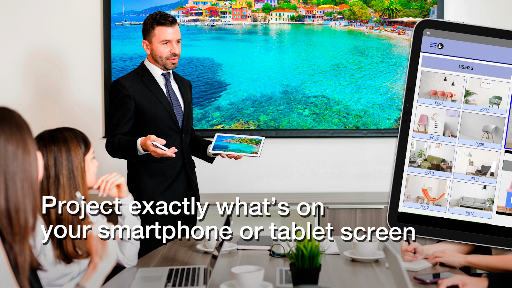
Epson iProjection connects an Android device to a supported Epson projector over a network. It suits people presenting from a phone or tablet who want to show a screen, a document, photos, a web page or a live camera view on a larger display. The projector needs to have its network settings configured, and your device generally needs to be on the same Wi-Fi network.
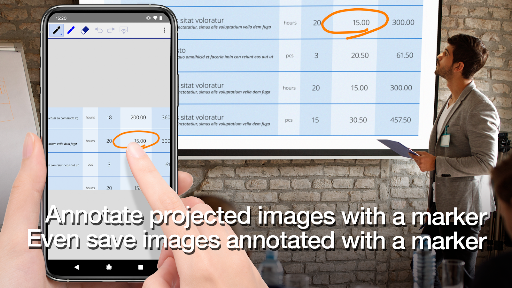
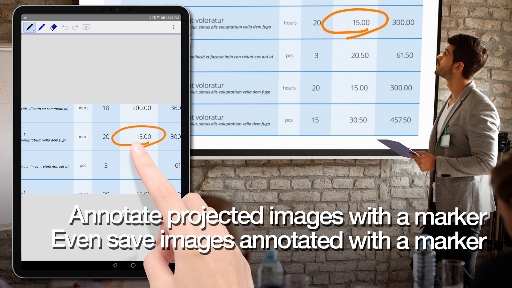
You can mirror your device screen, send audio through the projector, or choose content to display. The Photos and PDF options support JPG, JPEG, PNG and PDF files. A camera option sends a live view. The app can also act as a projector remote, and its pen tool lets you mark up a projected image and save the edited version on your device.
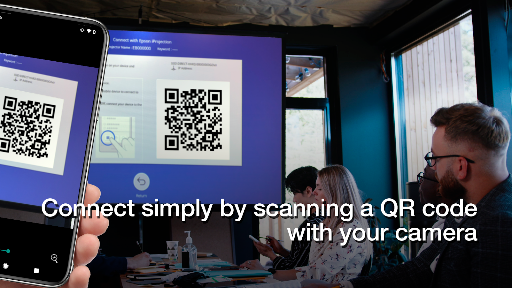
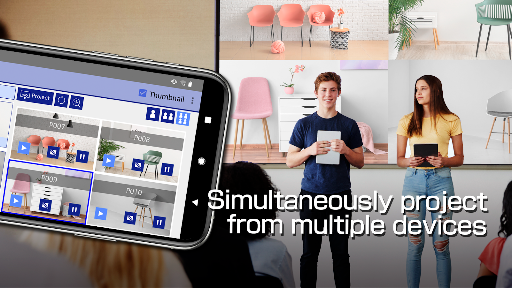
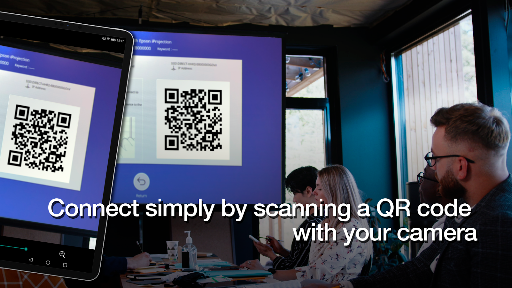
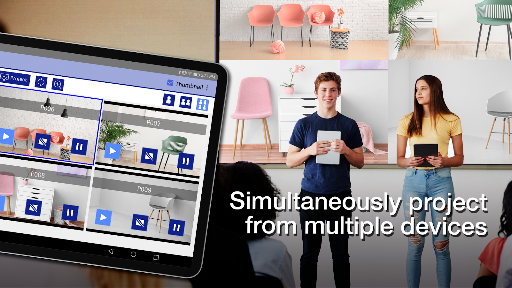
For group sessions, as many as 50 devices can connect to a projector, with up to four screens shown at once. Participants can also share the image being projected. A QR code displayed by the projector can help with connection, though QR connection is not supported on Chromebooks.
Compatibility is the main check before relying on it: the projector must be a supported model. Screen mirroring can have video or audio delays depending on the device and network, and protected content cannot be projected. For Chromebook screen mirroring, an Epson browser extension is required.
This is a practical companion for Epson projector owners who present files or share a device screen, rather than a general-purpose casting app. Seiko Epson Corporation’s Productivity app has a 4.2-star rating from 18,356 reviews and more than 5 million installs. Those figures suggest broad use, but they do not guarantee that a particular projector or network setup will work smoothly.