Advertisement
Click to download now, finish the installation quickly, and directly unlock the all-round experience
Advertisement
Screenshots
Click to download now, finish the installation quickly, and directly unlock the all-round experience
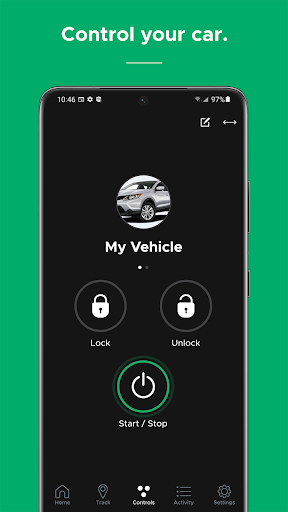
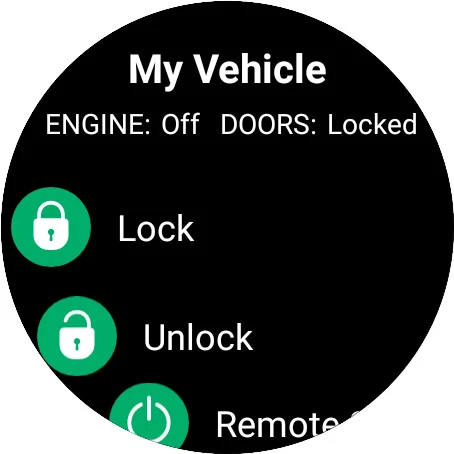
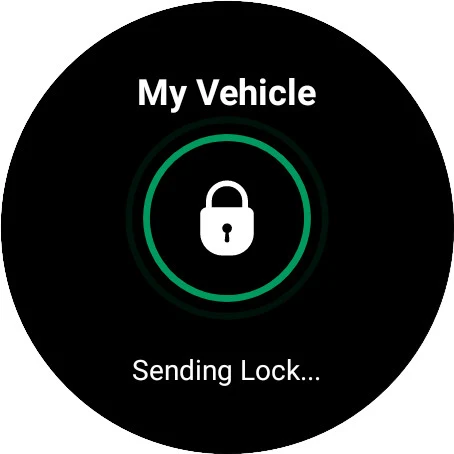
DroneMobile lets you use an Android phone to control and check on a vehicle equipped with a compatible remote-start or security system. Depending on the equipment, you can lock or unlock doors, start or shut down the engine, open the trunk, and operate security or auxiliary functions. It works with systems from Compustar, Compustar PRO, Arctic Start, NuStart and FTX; it is not a substitute for that vehicle hardware.
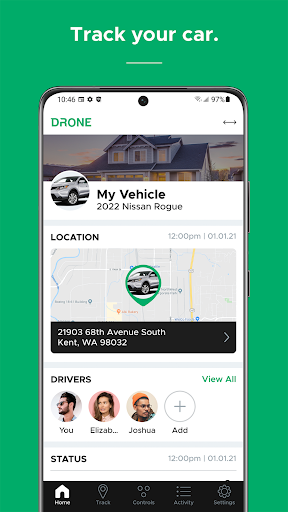
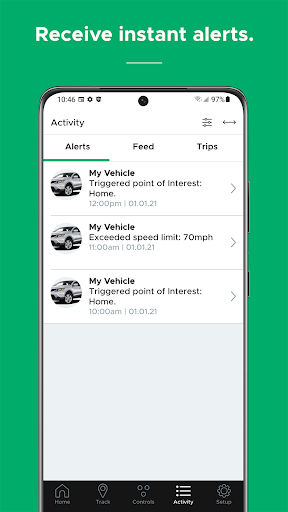
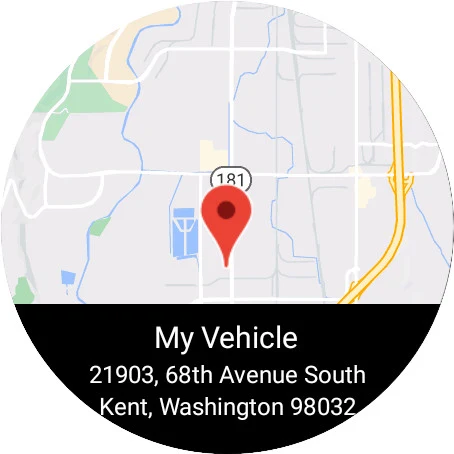
The app can show vehicle status and, with GPS tracking available on your setup, its location. Security notifications, low-battery alerts and maintenance reminders can help you notice issues without repeatedly checking the car. Geofence, curfew and speeding alerts are aimed at monitoring drivers, including teens. Advanced tracking for multiple vehicles is listed for Premium and Business customers, so not every account should expect the same tracking tools.
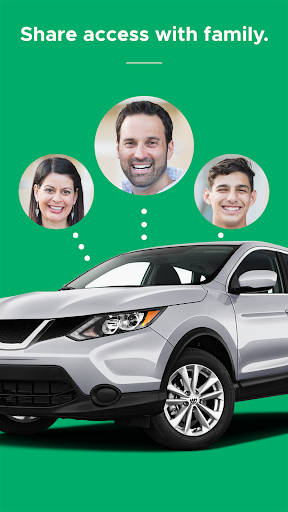
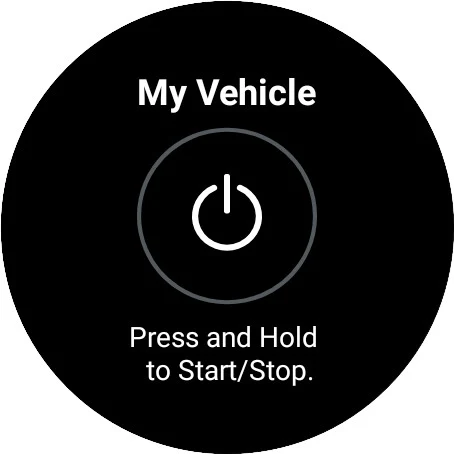
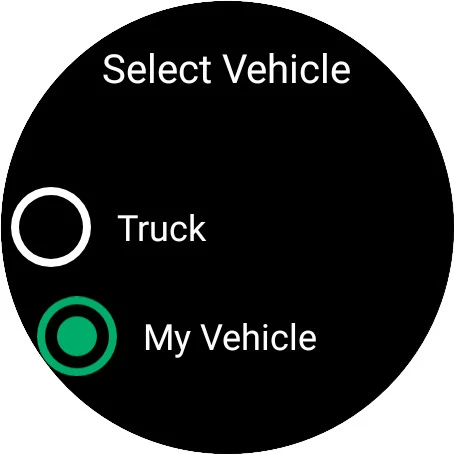
You can invite family members by email to control and track vehicles on your account. The home screen has rearrangeable information sections, while vehicle controls are available from a dedicated button in the app. A Wear OS companion is supported, but it requires the phone app. Which controls and alerts are useful in practice depends on the installed system, the vehicle and the account features available to you.
Firstech, LLC. lists DroneMobile in Lifestyle. It has a 4.5-star rating from about 18,700 ratings and 100,000+ installs. Those figures suggest a substantial user base, but they do not establish whether the app will work with a particular car: check the vehicle’s remote-start or security equipment before relying on its features.